Fix Warning: Waiting for Transaction Lock on /var/lib/rpm/.rpm.lock
Learn how to resolve the RPM transaction lock error that prevents package installation and management on Linux systems.
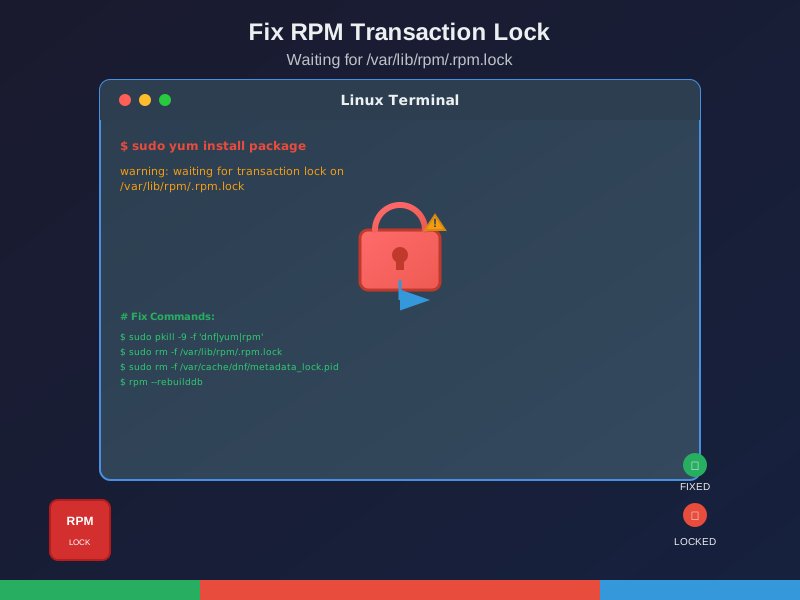
Seeing this error when running yum or dnf?
warning: waiting for transaction lock on /var/lib/rpm/.rpm.lockAnother package process is running, or a previous one crashed and left a lock file behind. Here’s how to fix it.
What Causes This
- Concurrent operations - Multiple
yum/dnfcommands running - Crashed processes - Previous install/update was interrupted
- Stale locks - System crash left lock files behind
The Fix
Step 1: Kill stuck processes
sudo pkill -9 -f 'dnf|yum|rpm'Step 2: Remove lock files
sudo rm -f /var/lib/rpm/.rpm.lock
sudo rm -f /var/cache/dnf/metadata_lock.pid
Step 3: Rebuild RPM database (if needed)
mkdir /var/lib/rpm/backup
cp -a /var/lib/rpm/__db* /var/lib/rpm/backup/
rm -f /var/lib/rpm/__db.[0-9][0-9]*
rpm --rebuilddb
yum clean all
Quick Fix (No Database Rebuild)
If you just need to clear the lock:
sudo pkill -9 -f 'dnf|yum|rpm'
sudo rm -f /var/lib/rpm/.rpm.lock
sudo rm -f /var/cache/dnf/metadata_lock.pid
Verify It Worked
rpm -qa | head -5
sudo yum update
Prevention
- Don’t run multiple package commands at once
- Check what’s running before starting:
ps aux | grep -E 'yum|dnf|rpm' - Use
Ctrl+Cto stop, don’t kill -9 - Keep automated scripts from overlapping
Still Broken?
Check logs:
sudo journalctl -xe | grep -E 'yum|dnf|rpm'
ls -la /var/lib/rpm/