Oh My Fish (OMF) - Install Themes & Plugins
How to install and use Oh My Fish framework for Fish Shell, including themes, plugins, and when to consider Fisher as an alternative.
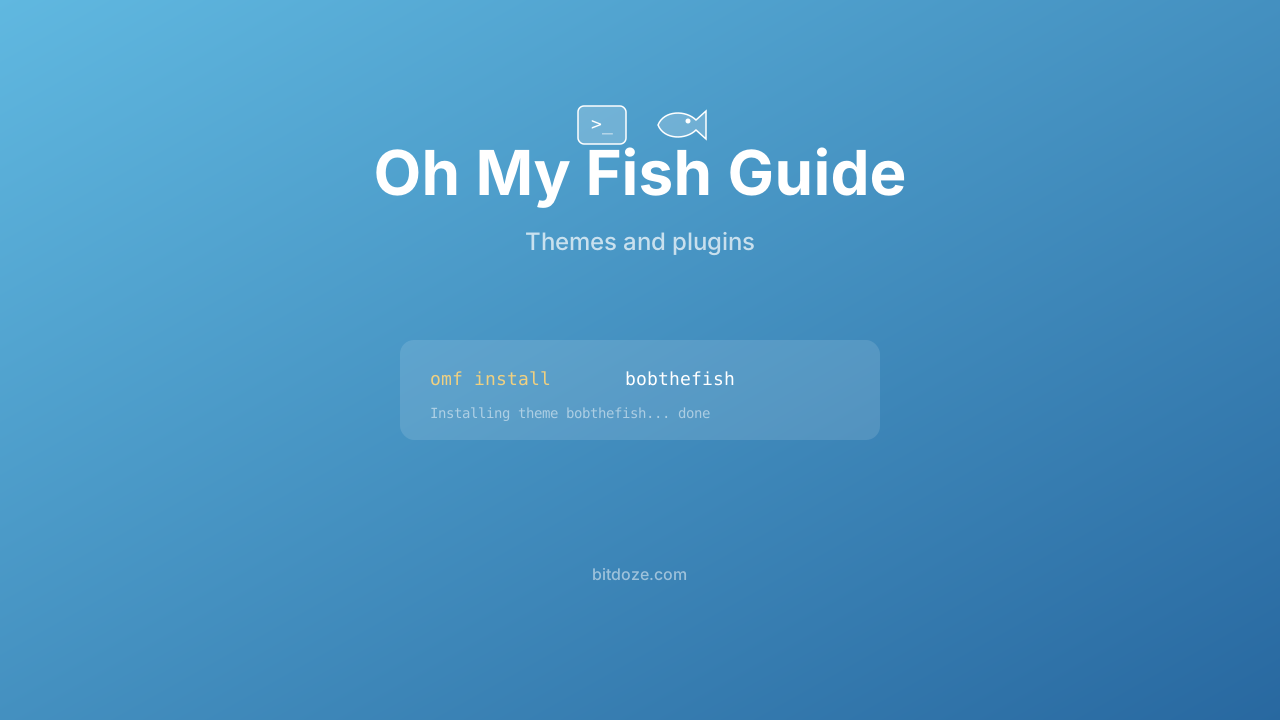
Oh My Fish (OMF) is a framework for Fish Shell, similar to what Oh My Zsh is for Zsh. It gives you a command-line tool (omf) for installing themes and plugins from a curated repository. I used it briefly before switching to Fisher, and I’ll be upfront about why.
OMF maintenance status
Oh My Fish’s GitHub page carries a warning that the project has been unmaintained for years and some packages are broken. It still works for many use cases, but if you’re starting fresh, Fisher is the more actively maintained option. I’m covering OMF here because it’s still widely referenced in guides and forums.
Install Oh My Fish
Make sure you have Fish Shell installed first. Then:
curl https://raw.githubusercontent.com/oh-my-fish/oh-my-fish/master/bin/install | fishThe installer downloads OMF and sets it up in ~/.local/share/omf/ with config in ~/.config/omf/.
To verify:
omf versionOffline installation
If you need to install without internet access (servers, air-gapped environments):
git clone https://github.com/oh-my-fish/oh-my-fish
cd oh-my-fish
bin/install --offline
OMF basics
All management happens through the omf command.
Install a package or theme
omf install bobthefish
omf install z
omf install bass
List installed packages
omf listApply a theme
omf theme bobthefishTo see available themes:
omf themeUpdate everything
omf updateRemove a package
omf remove zUninstall OMF entirely
omf destroyPopular OMF themes
These are themes that still work well despite OMF’s maintenance gaps.
bobthefish
The most popular OMF theme. It’s a Powerline-style prompt showing git status, virtual environments, Node version, and more. Needs a Nerd Font or Powerline font.
omf install bobthefishConfigure it through environment variables:
set -g theme_display_git yes
set -g theme_display_git_dirty yes
set -g theme_display_docker_machine yes
set -g theme_color_scheme dracula
set -g theme_nerd_fonts yes
agnoster
A port of the Zsh Agnoster theme. Two-line prompt with Powerline characters, git info, and virtualenv support.
omf install agnosterclearance
A clean, minimal theme. No special fonts needed.
omf install clearancelambda
Minimal theme with a λ prompt character.
omf install lambdaYou can preview OMF themes (with screenshots) in the Oh My Fish themes documentation.
Useful OMF plugins
bass
Runs Bash scripts and captures their environment variable changes. Useful for tools that only support Bash configuration:
omf install bass
bass source ~/.nvm/nvm.sh
This is one of the more genuinely useful OMF packages. It bridges the gap between Fish’s non-POSIX syntax and Bash-only tools.
z
Directory jumping similar to zoxide. Tracks the directories you visit and lets you jump to them with partial names:
omf install z
z projects
I’d recommend zoxide over this — it’s faster, works across shells, and is actively maintained. But if you want everything through OMF, the z plugin works.
fish-spec
A testing framework for Fish functions. Useful if you write Fish plugins or complex functions:
omf install fish-specextract
A universal archive extraction tool. extract file.tar.gz instead of remembering tar flags:
omf install extractOMF configuration files
OMF uses two config files:
~/.config/omf/bundle — lists installed packages:
package bass
package z
theme bobthefish
~/.config/omf/init.fish — runs at startup. Add your OMF-specific configuration here:
# ~/.config/omf/init.fish
set -g theme_nerd_fonts yes
set -g theme_color_scheme dracula
Sharing your ~/.config/omf/ directory across machines lets you replicate your setup with omf install.
OMF vs Fisher
This is the real question. Here’s how they compare:
| Oh My Fish | Fisher | |
|---|---|---|
| Status | Unmaintained | Actively maintained |
| Approach | Framework (has its own init) | Plugin manager only |
| Startup impact | Adds some overhead | Zero overhead |
| Plugin format | OMF-specific packages | Standard Fish plugins |
| Compatibility | OMF packages only | OMF packages + any Fish plugin |
| Config | omf commands + config files | fisher commands + fish_plugins file |
| Themes | Built-in theme system | Install prompt plugins directly |
Fisher is faster, maintained, and can install OMF-compatible packages. The main reason to use OMF today is if you already have a working OMF setup and don’t want to migrate.
Migrating from OMF to Fisher
If you want to switch:
- Note your installed packages:
omf list - Install Fisher:
curl -sL https://raw.githubusercontent.com/jorgebucaran/fisher/main/functions/fisher.fish | source && fisher install jorgebucaran/fisher - Install equivalents through Fisher. Most OMF packages can be installed directly:
fisher install oh-my-fish/theme-bobthefish - Uninstall OMF:
omf destroy
Fisher can install packages from the OMF repository by using the oh-my-fish/ prefix. Not every package works, but the popular ones do.
Creating OMF packages
If you want to create your own package or theme:
omf new plugin my-plugin
omf new theme my-theme
This creates a scaffold in ~/.config/omf/pkg/my-plugin/ or ~/.config/omf/themes/my-theme/.
Plugin structure:
my-plugin/
├── completions/
│   └── my-plugin.fish
├── functions/
│   └── my-plugin.fish
├── init.fish
└── uninstall.fish
init.fish runs when the plugin loads. uninstall.fish runs when it’s removed.
Troubleshooting
OMF commands not found — restart your shell after installation, or run source ~/.config/fish/conf.d/omf.fish.
Theme not changing — some themes need a Nerd Font. Install MesloLGS NF and set it in your terminal.
Plugin errors after update — OMF’s unmaintained status means some plugins may break. Check the plugin’s GitHub page for patches, or find a Fisher-compatible alternative.
Related guides
- Best Fish Shell plugins (Fisher) — the recommended plugin manager
- Fish Shell themes and prompts — Tide, Starship, Pure, Hydro
- Fish Shell vs Zsh — if you’re comparing OMF to Oh My Zsh
- Best Oh My Zsh plugins — the Zsh equivalent
- Install Fish Shell on Ubuntu — getting started
- Fish Shell on macOS — Mac setup