Podman vs Docker - Which Container Tool Should You Choose in 2026-2027?
Complete comparison of Podman and Docker container engines. Learn about security, performance, and which tool fits your development needs best.
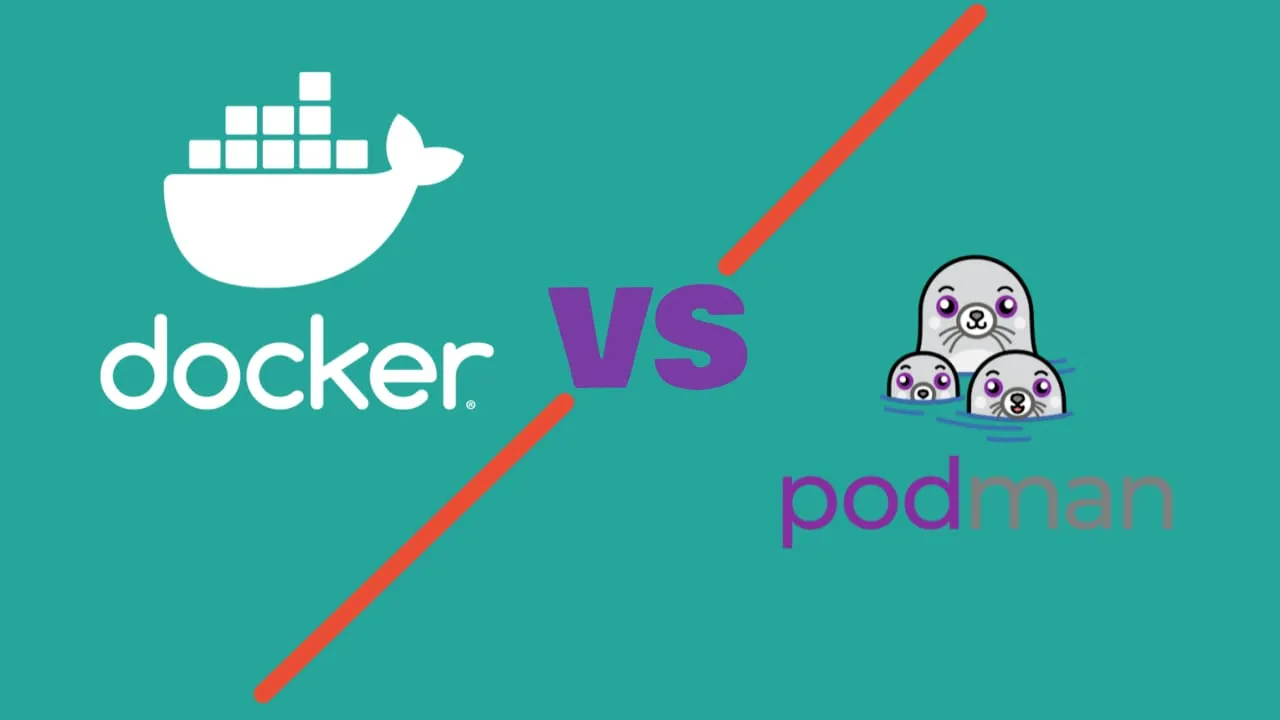
Containers changed how we ship software. You package everything an app needs, and it runs the same on your laptop, a server, or in the cloud. Docker and Podman are the two main tools for this. I’ve used both extensively, and honestly, each has its place.
This guide compares them straight up. No fluff, just what matters.
What Are Containers?
Containers package your app with everything it needs: code, runtime, libraries, config. It all travels together and runs the same wherever you deploy it.
Why Use Containers?
- Consistent: Same behavior on your laptop and production
- Fast: Start in seconds
- Lightweight: Share the host OS, no full VM needed
- Isolated: Apps don’t step on each other
How They Work
Containers use the host OS kernel but keep everything else separate. You get isolation without the overhead of running a full operating system for each app.
Containers vs VMs
- VMs: Full OS per instance, heavy, slow to boot
- Containers: Shared OS, lightweight, fast startup
Docker: What It Is
Docker came out in 2013 and made containers mainstream. It wasn’t the first container tech, but it was the one that caught on.
How Docker Works
Docker runs as a client-server setup:
- Client: The
dockercommands you type - Daemon: Background service that actually manages containers
- Registry: Where images live (Docker Hub)
The daemon runs as root. When you run a command, the client asks the daemon to do the work.
What Docker Offers
Commands are simple and logical. Most people pick up the basics in a day. Docker Desktop gives you a GUI if you prefer that.
Docker Hub has millions of images. Databases, web servers, dev tools. Pretty much everything is there.
Documentation is solid. Tons of tutorials, Stack Overflow answers, blog posts. When you hit a problem, someone else has already solved it.
Podman: A Different Approach
Red Hat built Podman in 2018 to fix Docker’s security model. The name means “Pod Manager” because it can group containers like Kubernetes does.
How Podman Works
No daemon. When you run a command, it executes directly and exits when done. More like traditional Unix tools.
Key Difference
Docker keeps a background service running constantly. Podman doesn’t. Each command is its own process.
Why People Choose Podman
- No root needed: Run containers as a regular user
- More secure: Nothing running in the background to exploit
- Pod support: Group containers like in Kubernetes
- Familiar commands:
podmanworks likedocker
Architecture: Daemon vs No Daemon
This is the fundamental difference.
Docker: Client-Server
- Client: You type
dockercommands - Server: Daemon runs in background as root
- How it works: Client asks daemon to do everything
Good: Centralized, handles multiple clients Bad: Always consumes resources, needs root, single point of failure
Podman: Direct Execution
- No daemon: Commands run directly
- Fork-exec: Traditional Unix model
- Result: Nothing running when you’re not using it
Good: Zero idle resources, more secure, no single point of failure Bad: Some Docker features work differently
Resource Usage
| When | Docker | Podman |
|---|---|---|
| Idle | 50-100 MB | 0 MB |
| Running | Daemon + containers | Just containers |
| CPU | Always some usage | Only when active |
Security
Podman wins here. Here’s why.
Root Access
Default setup:
- Daemon runs as root
- Compromise the daemon, compromise the system
Rootless mode exists:
- Not the default
- Extra setup required
- Some features broken in rootless
Rootless by default:
- Run containers as normal user
- No persistent root process
User namespaces:
- Container root maps to regular user
- Works out of the box
Security
Podman is safer by design. No daemon running as root means less attack surface.
Real Example
CVE-2019-5736 was a nasty container escape bug. With Docker, you needed root to exploit it. Podman’s rootless containers made the attack much harder to pull off.
Performance
Both are fast enough for real work.
Startup Time
- Docker: Daemon caches info, repeat starts are quick
- Podman: No daemon overhead, first start might be slightly slower
- Bottom line: Difference is under a second for most apps
Memory
Docker:
- Always using memory for the daemon
- Good for servers with many containers
Podman:
- Zero memory when idle
- Better for laptops and edge devices
Building Images
| Feature | Docker (BuildKit) | Podman (Buildah) |
|---|---|---|
| Speed | Fast | Similar |
| Caching | Great | Good |
| Multi-stage | Yes | Yes |
| Rootless builds | Limited | Full |
Developer Experience
Commands
Podman copied Docker’s interface:
# Same commands
docker run nginx        podman run nginx
docker build -t myapp . podman build -t myapp .
docker ps               podman ps
You can alias them: alias docker=podman
Tool Support
Docker Tools
Everything supports Docker:
- VS Code extension
- JetBrains integration
- GitHub Actions, GitLab CI
- Every cloud provider
Docker Compose is the standard for multi-container apps. Docker Desktop works on Windows, Mac, and Linux.
Podman Tools
Support is growing:
- VS Code extensions exist
- Native OpenShift integration
- Generates Kubernetes YAML
- systemd integration
Podman Compose exists but isn’t as polished as Docker Compose.
Compose
Podman Compose works for basic setups. Complex Docker Compose files might need tweaking.
Pick Docker If…
Choose Docker When:- Learning containers: Better docs, more tutorials, easier to start
- On Windows: Docker Desktop works well
- Need the ecosystem: Tools, integrations, cloud support
- Team knows it: Already using Docker everywhere
- Docker Swarm: If you’re using Swarm for orchestration
Companies using Docker: Netflix, Spotify, Uber - all running massive container workloads.
Pick Podman If…
Choose Podman When:- Security matters: Rootless by default, no daemon
- Linux shop: Works great on Linux
- Going to Kubernetes: Podman pods map to Kubernetes pods
- Resource conscious: Zero memory when idle
- Red Hat stack: RHEL, OpenShift environments
Companies using Podman: CERN, Red Hat, and government agencies evaluating it for security.
Switching Between Them
Docker to Podman
Usually easy:
- Install Podman
alias docker=podman- Test your containers
- Fix any issues
Watch Out For
Migration
- Compose files might need tweaks
- Networking differences
- Root vs rootless permissions
- Some tools expect the Docker daemon
Benchmarks (2024)
| Test | Docker | Podman | Winner |
|---|---|---|---|
| Start time | 0.8s | 0.7s | Podman |
| Build | 45s | 47s | Tie |
| Idle memory | 95MB | 0MB | Podman |
| CPU overhead | 2% | 0.5% | Podman |
Reality Check
Performance differences don’t matter for most apps. Pick based on security and features.
What’s Next
Kubernetes
Both are improving Kubernetes support. Podman can generate Kubernetes YAML directly. The industry is standardizing on Kubernetes anyway.
Security
Rootless containers, better scanning, supply chain security. This keeps getting more important.
Edge/IoT
Containers on smaller devices. Efficiency matters more there.
AI Workloads
Both support GPU containers now. ML training, model serving, all doable.
My Recommendation
Start with Docker. Better learning materials, more help available, Docker Desktop is convenient.
Use Podman. Rootless by default is a real advantage. Security teams appreciate it.
Use both. Docker for dev on Windows/Mac. Podman for production on Linux. OCI format means containers work everywhere.
Common Commands
# Docker / Podman - same commands
docker run -d nginx              # Background container
docker build -t myapp .          # Build image
docker ps                        # List containers
docker images                    # List images
docker exec -it container bash   # Shell in container
Final Word
Both tools work. Both are actively maintained. Both run OCI containers.
Docker: Better for learning, better Windows support, bigger ecosystem.
Podman: Better security model, no daemon, rootless by default.
I use Docker on my Mac for development because Docker Desktop is convenient. I use Podman on Linux servers because I don’t want a root daemon running.
Pick what fits your situation. You can always switch later.
Looking for containerized apps? Check out toolhunt.net’s self-hosted section.