How to Sell Digital Products Online With Payhip (Step-by-Step)
A practical, step-by-step guide to launching your digital product business using Payhip. From account setup to your first sale, everything you need to get started.

11 min read
I spent way too long overthinking my first digital product launch. Weeks of comparing platforms, reading feature lists, watching YouTube reviews. When I finally picked Payhip and uploaded my first ebook, the whole process took about 20 minutes. I kind of wanted those weeks back.
If you’re sitting on knowledge that could be an ebook, a course, a template pack, or any other downloadable file, this guide walks you through every step. No fluff, no theory-heavy “mindset” sections. Just the practical stuff.
What is Payhip?
Payhip is an ecommerce platform built specifically for creators who sell digital products. It’s based in London and has been around for over 10 years, with more than 130,000 sellers using it. The short version: you upload your product, connect a payment method, and start selling. Payhip handles the checkout, file delivery, tax compliance, and customer management.
What made me choose it over the alternatives was the pricing model. Every feature is available on every plan, including the free one. No “upgrade to unlock affiliates” or “pay $99/month to remove the watermark.” The free tier charges 5% per sale, and that’s the only cost until you decide to upgrade.
Payhip isn’t just for ebooks, though. You can sell online courses, coaching sessions, memberships, physical products, and pretty much any file type you can think of. I’ll get into each of those below.
Why digital products?
Physical products need inventory, shipping labels, and returns management. Digital products need a file and a way to collect payment. That’s about it.
The margins are hard to ignore. You create the product once and sell it indefinitely. No per-unit manufacturing cost, no warehouse, no tracking numbers. A $15 ebook costs you the same whether you sell 10 copies or 10,000.
Some of the most common digital products people sell:
- Ebooks and PDF guides
- Online courses and video tutorials
- Design templates (Canva, Figma, Photoshop)
- Lightroom presets and LUTs
- Software tools and plugins
- Printable planners, worksheets, and checklists
- Music, sound effects, stock photos
You don’t need a massive audience to start. Plenty of sellers make their first sales with a small email list or a social media following under 1,000.
Step-by-step: launching your digital product business with Payhip
Here’s the process I followed, from signing up to getting my first sale.
Step 1: Decide what you’re selling
Before touching any platform, figure out what you’re actually going to sell. The best digital products solve a specific problem or save someone time.
Ask yourself: What do people ask me for help with? What do I know that took me years to learn? Is there a shortcut I can package?
If you’re a photographer, that might be presets. If you’re a developer, maybe code snippets or boilerplates. If you’re a teacher, a course makes obvious sense. Don’t overthink it. Your first product doesn’t have to be perfect. It needs to exist.
Step 2: Create your Payhip account
Head to Payhip and sign up. The free plan gives you access to every feature with no product or revenue limits. The only cost is a 5% transaction fee per sale, which is quite reasonable when you’re starting out and have zero upfront costs.
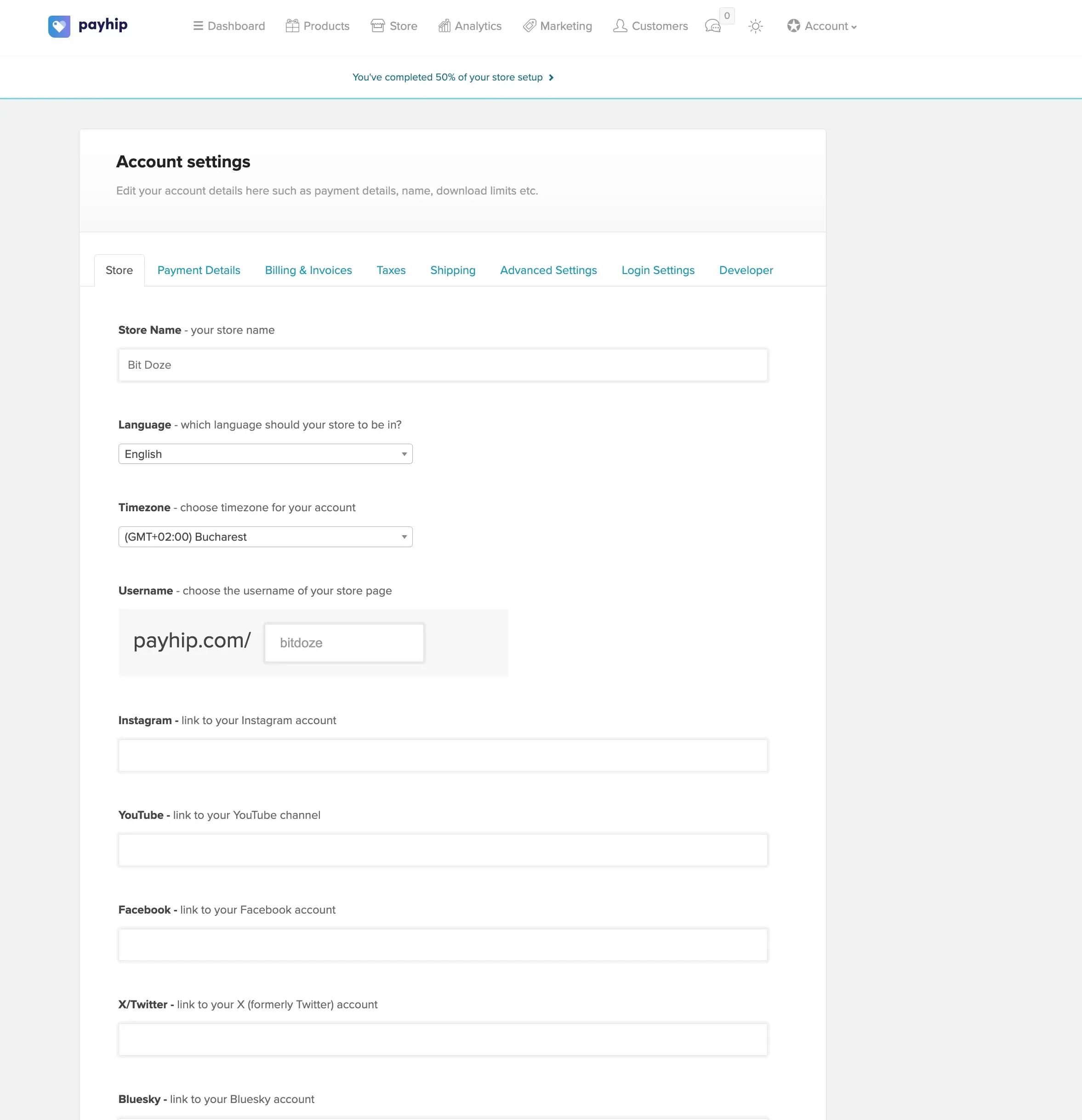
The signup takes about two minutes. Email, password, store name. That’s it.
Step 3: Connect Stripe and PayPal
This part matters because it determines how you get paid and what your customers can use at checkout.
Stripe is where most of your sales will come through. Once connected, your store accepts Visa, MasterCard, American Express, JCB, Discover, Diners Club, and several other card types. Stripe also enables Apple Pay and Google Pay automatically, which speeds up mobile checkouts. Stripe operates in 40+ countries, so even if you’re not based in the US, you can likely use it. Their standard processing fee is around 2.9% + $0.30 per transaction.
PayPal is the other option, and I’d recommend connecting both. Some buyers have PayPal balances they prefer to spend, and others just trust the PayPal checkout flow more than entering card details on a site they haven’t bought from before. PayPal’s fees are similar to Stripe’s.
You connect both from your Payhip dashboard in a few clicks. Once linked, customers choose their preferred payment method at checkout.
Payhip deposits money to your connected account right after each transaction. No waiting around for weekly or monthly payouts.
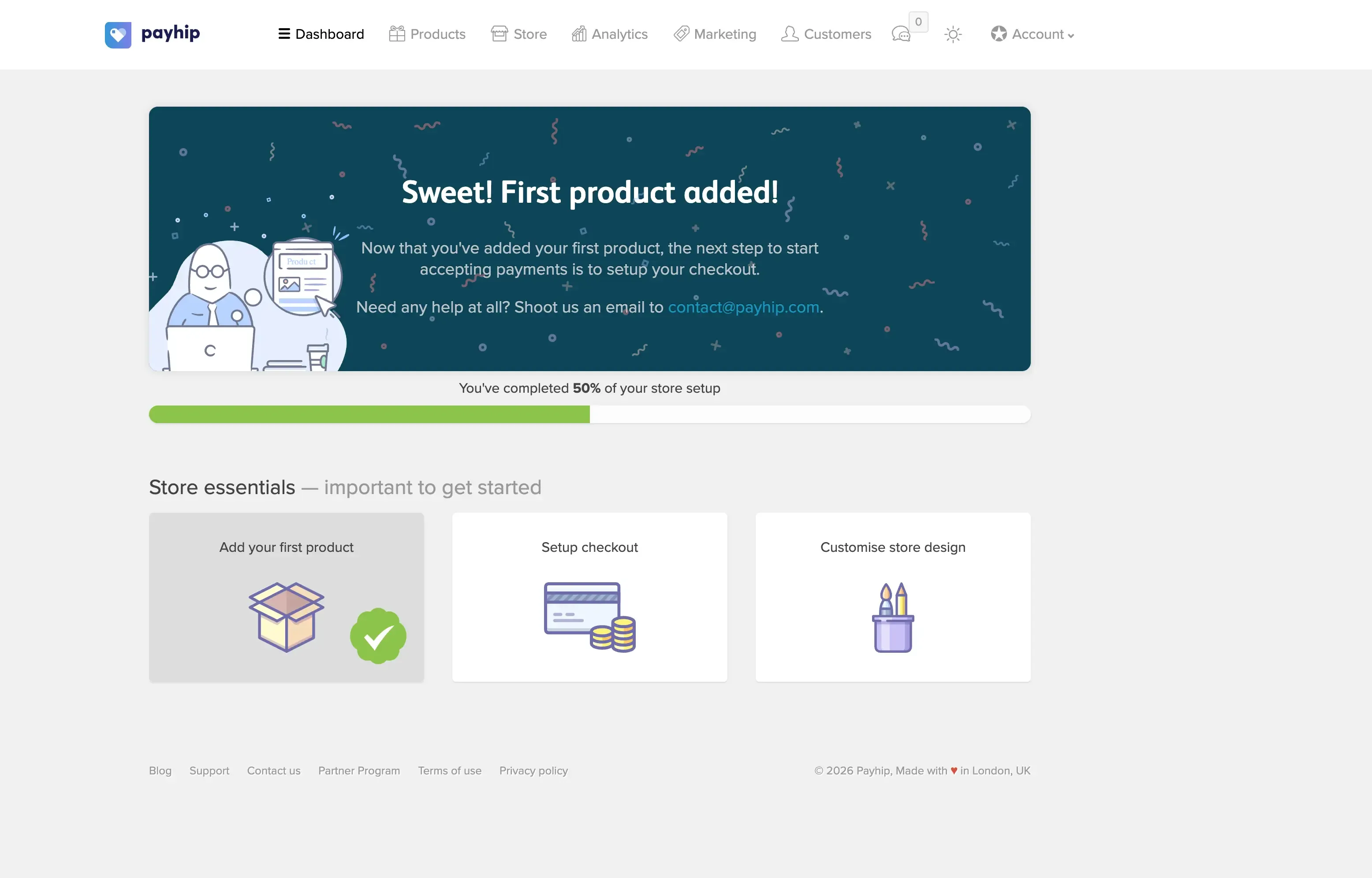
This is the part that sold me. Payhip doesn’t hold your money or batch payouts. The funds land in your Stripe or PayPal account as soon as the transaction clears. If you’ve dealt with platforms that sit on your money for 7 or 14 days, you know why this matters, especially when you’re reinvesting in ads or new products.
Step 4: Add your first product
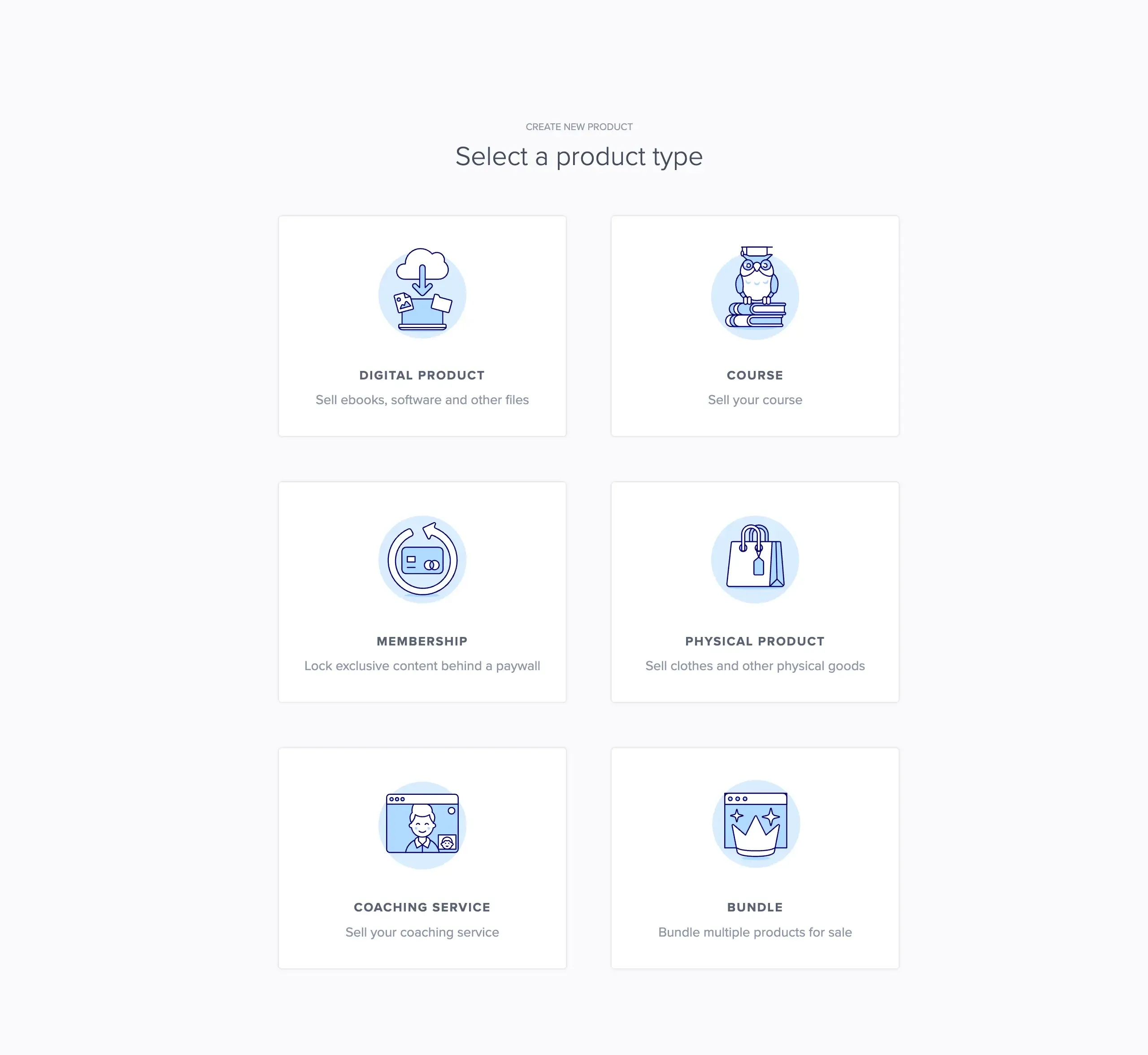
Click “Add Product” and choose your product type. Payhip lets you sell five different kinds of products, and they all work under the same account:
Digital downloads are the bread and butter. Ebooks, templates, presets, software, music, fonts, stock photos, anything that’s a file. You upload it, set a price, and Payhip handles delivery after purchase. Buyers get instant access to a download page, plus an email with the link. There’s a 5GB limit per file, but no cap on total storage or bandwidth.
Online courses are where things get interesting if you’re a teacher or expert in something. Payhip hosts full courses with video lessons, text content, quizzes, assignments, surveys, and downloadable files. You can drip content over time (so students unlock new lessons on a schedule) and issue completion certificates. Students get their own accounts to track progress. You can self-host videos through YouTube/Vimeo embeds for free, or use Payhip’s own video hosting for $5/month.
Coaching products let you sell one-on-one sessions. You connect a calendar tool (Zoom, Calendly, Skype, Google Meet) and Payhip handles the booking and payment. Clients buy a session, pick a time slot, and show up. If you’re a consultant, therapist, tutor, or any kind of freelancer selling your time, this removes the back-and-forth scheduling headache.
Memberships let you charge customers on a recurring basis, either monthly or yearly. Members get access to exclusive files, content, or a membership group that you manage. It’s recurring revenue without building a separate membership site. You control what members see and can add or remove content over time.
Physical products are also supported if you want to mix digital and tangible goods. Payhip handles inventory tracking, order fulfillment, and shipping information. I personally stick to digital, but some sellers bundle a physical item (like a printed workbook) alongside their digital course.
For digital downloads specifically, you can set up pay-what-you-want pricing with a minimum amount. This works well for resource bundles where buyers feel good paying more. Payhip also generates software license keys automatically if you’re selling software. And for PDF files, there’s a PDF stamping feature that prints the buyer’s purchase details on every page, discouraging unauthorized sharing.
You can limit download attempts too. By default, buyers get 3 download attempts per file, which you can adjust.
Step 5: Customize your store and connect your domain
Your Payhip store comes with a drag-and-drop builder, and you can pick from premade themes to get started quickly. You can customize colors, fonts, layout sections, and your logo without writing any code. There’s also a built-in blog CMS if you want to publish content alongside your products.
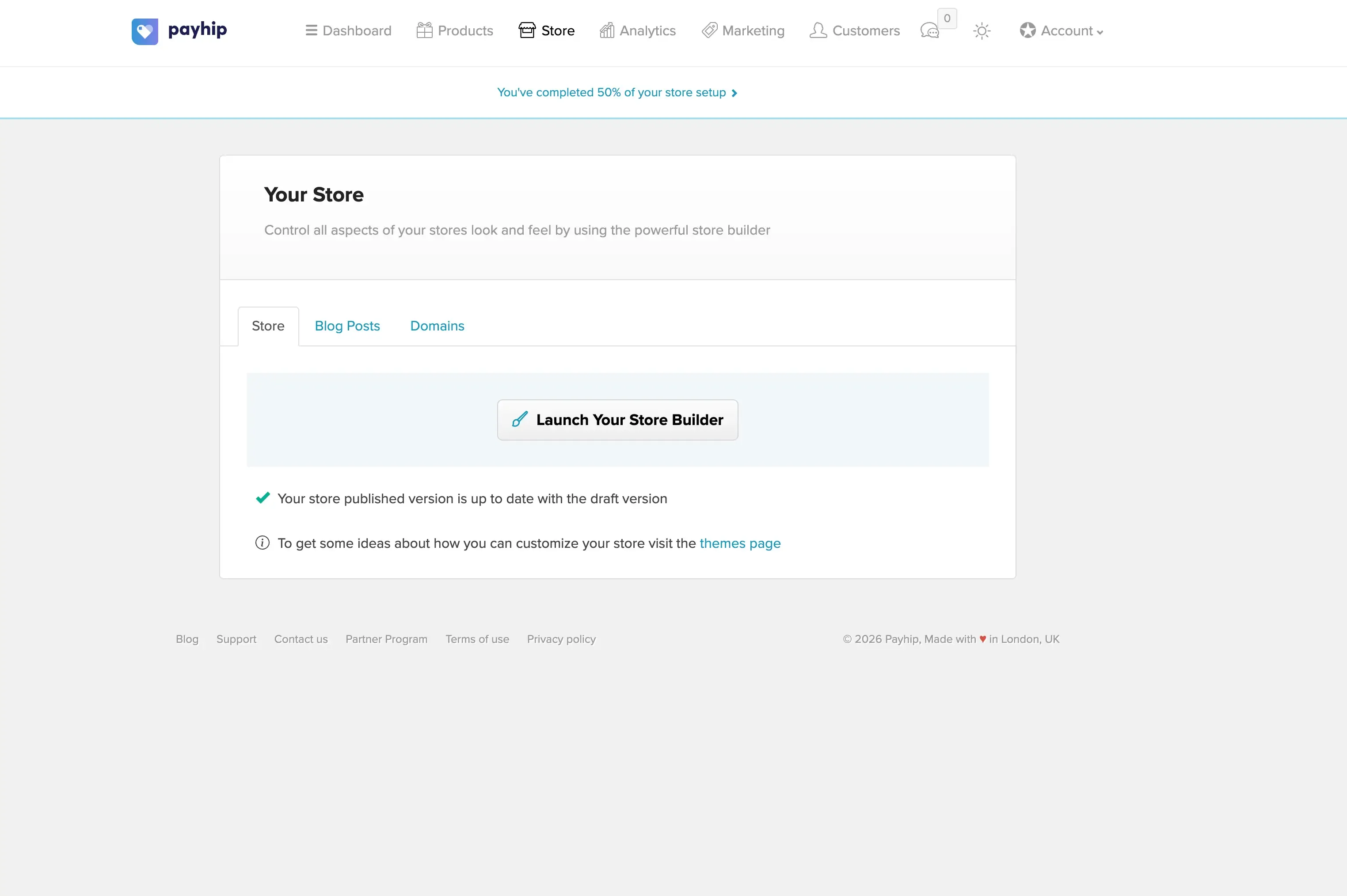
Here’s something that surprised me: you can connect your own custom domain to your Payhip store for free on any plan. So instead of sending customers to payhip.com/YourStore, you point your domain (like shop.yourdomain.com or even your root domain) to Payhip and your store runs under your own brand. For anyone who cares about looking professional, and you should, this is a real win. Most competing platforms either charge extra for custom domains or lock it behind a paid tier.
If you already have a website on WordPress, Squarespace, or anything else, there’s another option. You can embed Payhip’s checkout buttons and product cards directly on your existing site using a short code snippet. Customers see the buy button on your site, click it, and the Payhip checkout overlay handles the rest. No redirects, no clunky integrations.
The store builder is where Payhip pulls ahead of simpler platforms. You can build actual product landing pages within the platform instead of needing a separate website builder. For people who want to sell digital products without dealing with WordPress or Shopify, that’s one less thing to worry about.
Step 6: Set up your marketing tools
Payhip includes built-in marketing tools that would cost you $50-100/month if you bought them separately.
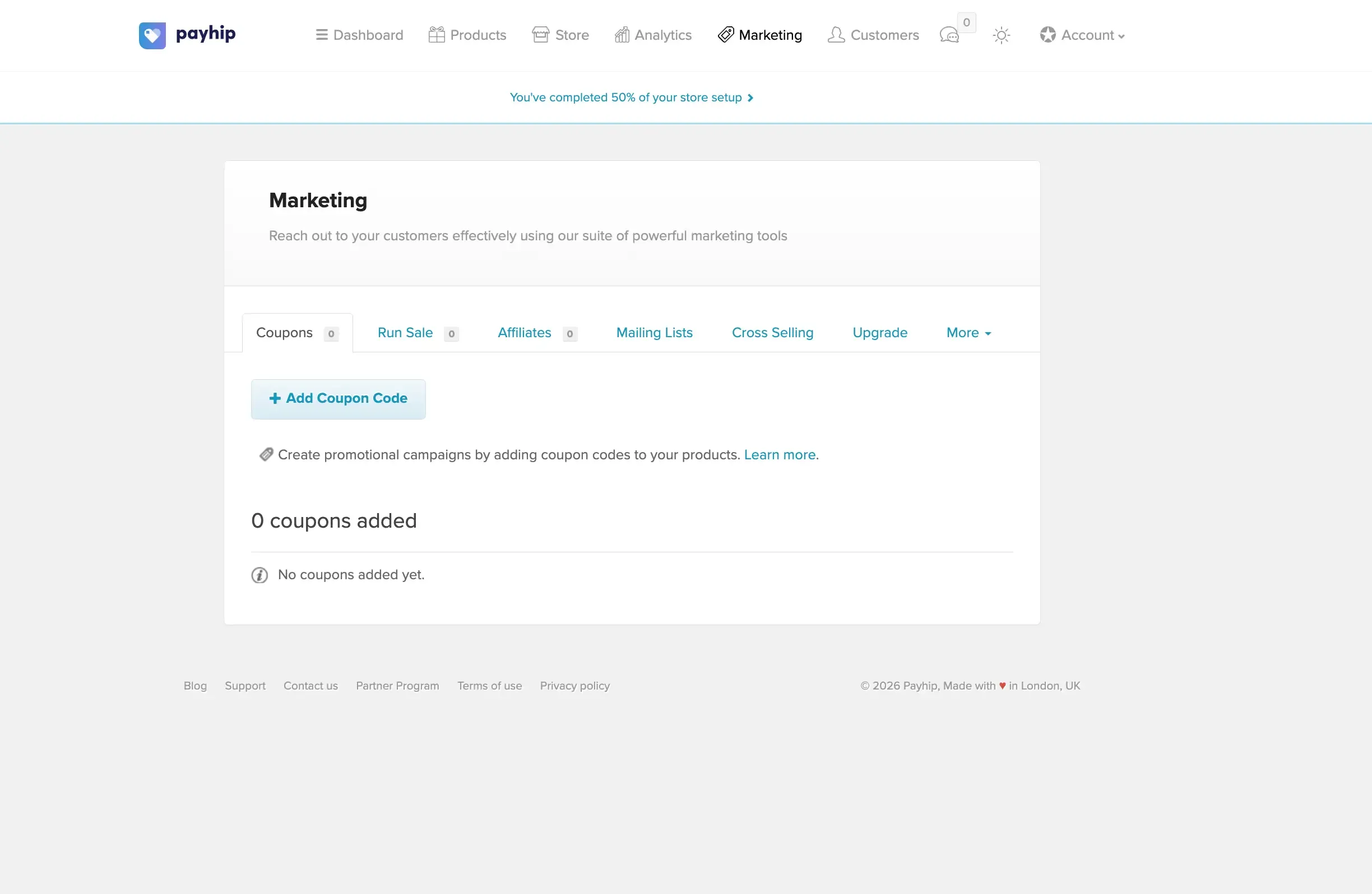
Here’s what you can use right from the dashboard:
- Coupon codes with usage limits and expiration dates, great for launch promotions
- Affiliate program where others promote your products for a commission you set
- Referral discounts that reward customers for sharing with friends
- Email marketing to send updates, new product announcements, and promotions to your buyer list
- Cross-selling and upselling to suggest related products during checkout
- Mailing list integrations with MailChimp, ConvertKit, and others
The affiliate program alone is worth calling out. You set a commission percentage, and anyone can sign up to promote your products. When they generate a sale through their unique link, they get paid automatically. It’s marketing that only costs you when it actually produces a sale. I’ve seen sellers grow their revenue 30-40% just by turning on affiliates and letting niche bloggers do the promotion.
The email marketing tool deserves a mention too. You can send broadcasts to all your past buyers directly from Payhip. No need for Mailchimp or ConvertKit unless you want more advanced automation. For most solo sellers, the built-in option covers what you need.
Step 7: Launch and track results
Once your store is live, share your store URL everywhere: social media profiles, email signatures, blog posts, YouTube descriptions, wherever your audience hangs out.
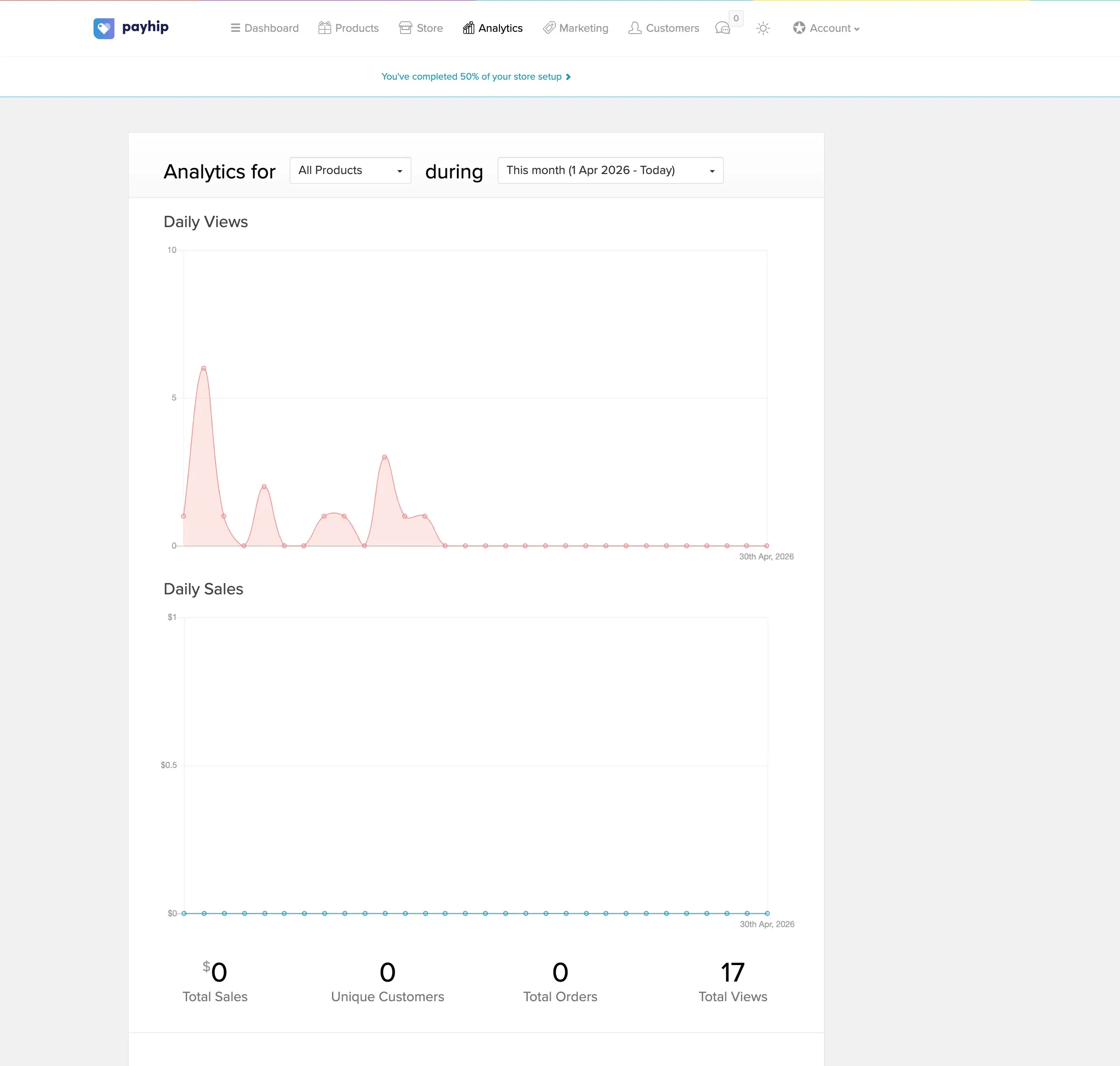
Payhip’s analytics show your sales, revenue, and traffic. You can see which products sell best, where your traffic comes from, and how coupons and affiliates perform. It won’t replace Google Analytics for deep traffic analysis, but for tracking what’s making you money, it does the job.
Payhip pricing
Payhip’s pricing is refreshingly simple. Every plan includes every feature. No feature-gating, no “premium-only” tools. The only variable is the transaction fee:
| Plan | Monthly cost | Transaction fee |
|---|---|---|
| Free Forever | $0/mo | 5% per sale |
| Plus | $29/mo | 2% per sale |
| Pro | $99/mo | 0% per sale |
All plans include unlimited products, unlimited revenue, unlimited storage, custom domain support, the full store builder, marketing tools, affiliate system, and email marketing. Everything.
Keep in mind that PayPal and Stripe charge their own processing fees (around 2.9% + $0.30 per transaction) regardless of which Payhip plan you’re on. That’s standard across every platform and not something Payhip controls.
The free plan is the obvious starting point. You pay nothing until you actually make a sale, and 5% is a very reasonable cut. Once you’re doing consistent revenue, here’s a rough breakpoint: if you sell more than about $970/month, the Plus plan ($29/mo at 2%) saves you money over the free plan. And at around $3,300/month in sales, the Pro plan at $99/month with zero fees becomes the better deal.
EU and UK sellers
Payhip automatically calculates, collects, and remits EU and UK VAT on digital products. You don’t need to register for VAT in each EU country or file returns yourself. This alone saves hours of compliance headaches and potential fines if you’re selling internationally.
Tips from my own experience
Start with one product. I’ve seen people spend months building a catalog of 10 items before launching. Ship one product, learn what sells, then expand.
Price higher than you think. First-time sellers almost always underprice. A well-made ebook that saves someone 20 hours of work is worth more than $5. Test $19 or $29 and see what happens.
Use the affiliate program early. Even with a small audience, giving bloggers and content creators a reason to talk about your product generates sales you wouldn’t get on your own.
Email your buyers. Payhip’s built-in email tool lets you stay in touch with past customers. When you release product two, those buyers are your warmest leads.
Start Selling on Payhip for FreeFrequently asked questions
Can I use Payhip without a website?
Yes. Payhip gives you a hosted store with its own URL. You can also connect a custom domain for free if you want it on your own brand.
Does Payhip handle taxes?
Payhip automatically handles EU and UK VAT for digital products. It calculates the correct rate, charges the customer, and remits the tax on your behalf. You can also configure additional tax rules for other regions.
What payment methods can my customers use?
Customers can pay with PayPal or credit/debit cards including Visa, MasterCard, American Express, JCB, Discover, and Diners Club through Stripe.
Is there a limit on file size?
Individual files can be up to 5GB. There’s no overall storage limit or bandwidth cap.
Can I sell courses on Payhip?
Yes. Payhip supports full online courses with video lessons, quizzes, assignments, drip content, student accounts, and completion certificates. You can use their video hosting ($5/month) or embed from YouTube, Vimeo, or Wistia.