Fish Shell on macOS - Complete Setup Guide
How to install and configure Fish Shell on macOS with Homebrew, set it as default, configure iTerm2 or Ghostty, and set up essential tools.
Dragos

Page 6 of 17 - 166 posts in this category
How to install and configure Fish Shell on macOS with Homebrew, set it as default, configure iTerm2 or Ghostty, and set up essential tools.
A step-by-step guide to installing and configuring Starship prompt in Fish Shell, with preset themes, custom modules, and Nerd Font setup.
A practical comparison of Fish Shell and Zsh for daily terminal use, covering autocompletion, plugins, scripting, configuration, and which shell fits your workflow.
Install and configure nvm.fish to manage multiple Node.js versions in Fish Shell. Covers installation, switching versions, .nvmrc support, and default versions.
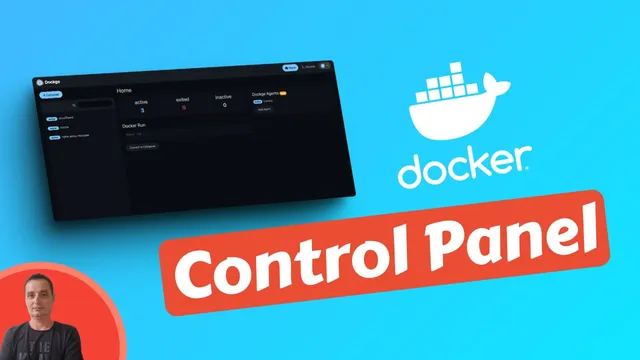
How to install Dockge with Docker Compose. A lightweight web UI for managing docker-compose stacks, with multi-agent support, interactive editor, and web terminal.
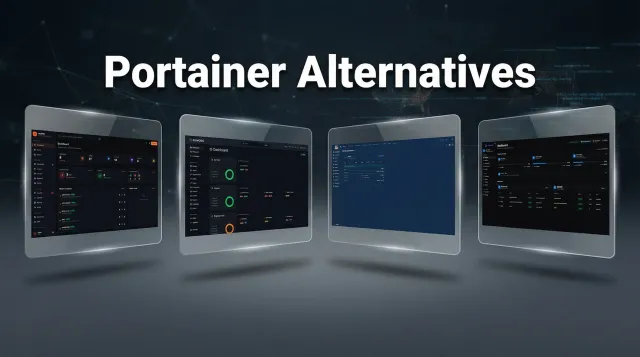
Five Docker management UIs that can replace Portainer in 2026. Hands-on look at Arcane, Dockhand, UsulNet, Dockge, and Komodo with feature comparisons and UI screenshots.

Step-by-step guide to install UsulNet with Docker Compose. Covers production setup with PostgreSQL, Redis, NATS, security scanning, multi-node deployment, reverse proxy, and RBAC configuration.
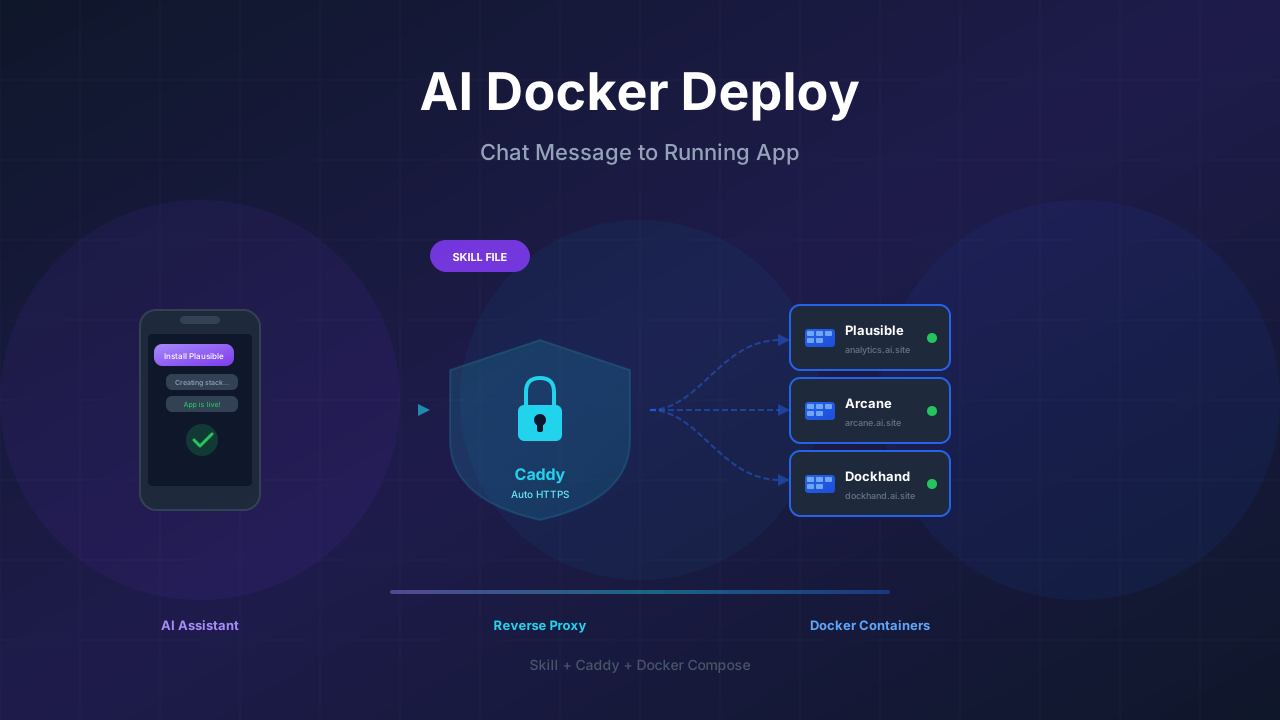
How to create a docker-deploy skill for your AI assistant so it can install and configure Docker apps on your VPS using Caddy and Docker Compose, all from a chat message.

Step-by-step guide to install Arcane with Docker Compose. Covers basic setup, socket proxy security, OIDC authentication, reverse proxy config, and remote host management.
A hands-on comparison of Arcane and Dockhand, two new Docker management UIs. Licensing, features, security, and which one fits your setup.