Multiple PostgreSQL Databases in ONE Service: THE Docker Compose WAY!
Master multiple PostgreSQL databases effortlessly! Discover how Docker Compose simplifies your setup. Don't miss out – transform your workflow NOW!
Dragos

Page 3 of 17 - 166 posts in this category
Master multiple PostgreSQL databases effortlessly! Discover how Docker Compose simplifies your setup. Don't miss out – transform your workflow NOW!

Master NiceGUI quickly! Learn to add a user interface to your Python app in just 5 minutes with our beginner-friendly guide.

See what to choose for Containerization in 2026 between Railpack and Nixpacks.

Master sed command for text case transformations - convert text to uppercase, lowercase, and more with practical examples.

Master sed's insert and append commands to add text precisely at any line position with practical examples and best practices, including GNU vs BSD sed notes.

Compare Streamlit vs NiceGUI for Python web apps: architecture, customization, real-time behavior, and which framework fits your use case.
Deploy Zerobyte, a Restic-powered backup dashboard, with Dokploy or Docker Compose. Create repositories, schedule jobs, and restore data safely.
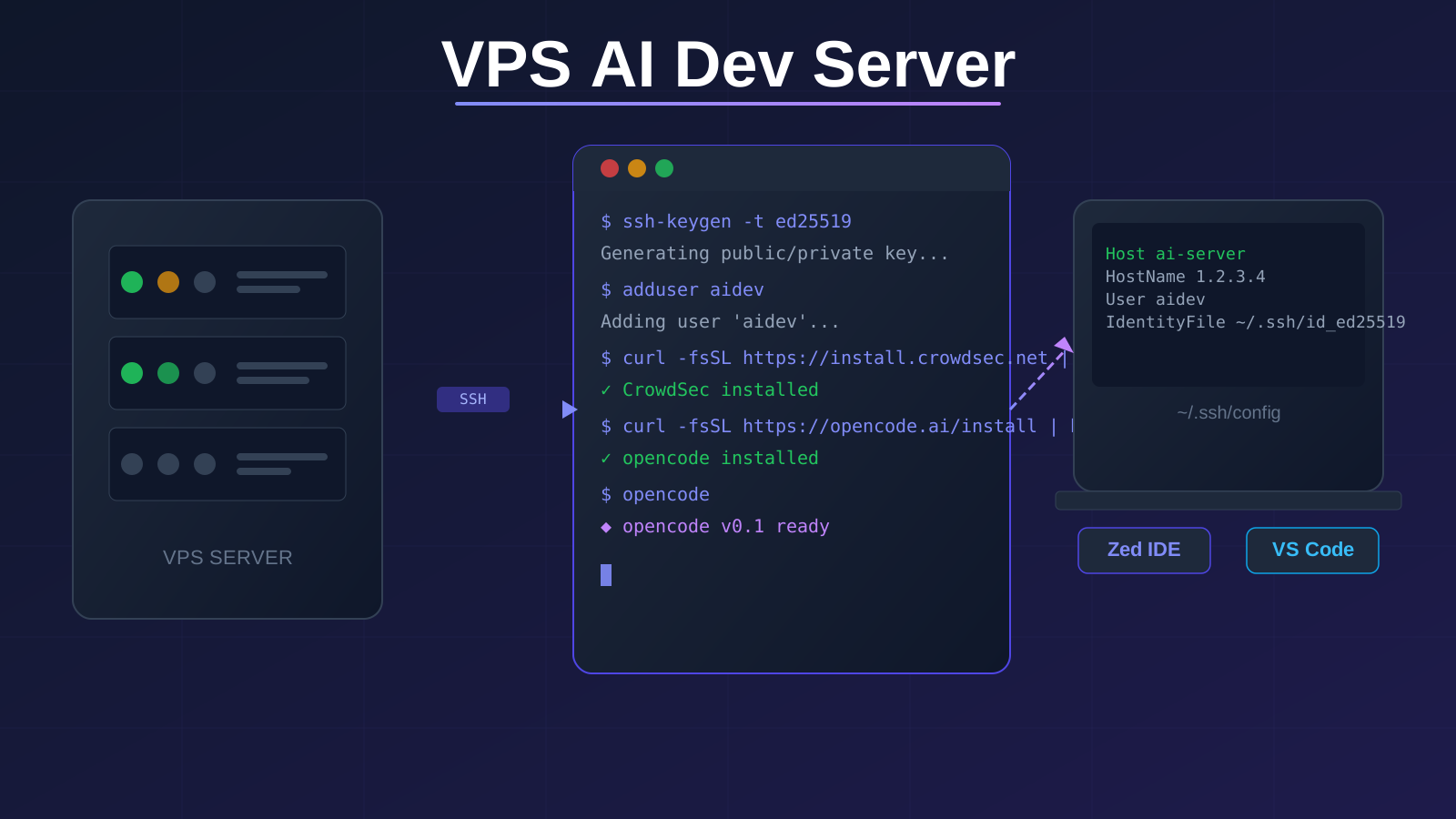
Set up a VPS to run AI coding agents like opencode, lock it down with CrowdSec, and access it from your Mac through Zed, VS Code, or a browser terminal.

Real pricing breakdowns for Bunny Storage, AWS S3, and Backblaze B2. I compare storage costs, egress fees, and hidden charges so you can pick the cheapest option for your workload.

A step-by-step guide to hosting your own videos with Bunny Stream. I use it for my free courses on bitbuddies.me and it costs a fraction of what Vimeo charges.